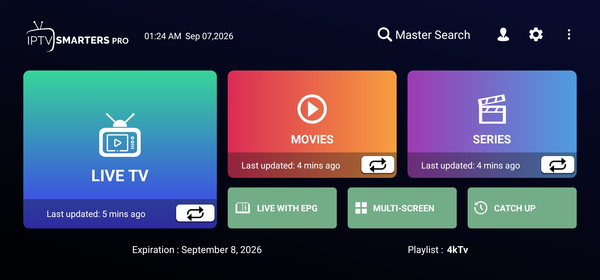
IPTV Smarters Pro
A flexible player for Android TV, phones, tablets and other compatible devices. Login with Xtream Codes or your playlist.
View App GuideFollow our step-by-step guides to install and configure your favorite streaming app on Smart TV, Fire TV Stick, Android, iPhone, tablet or computer — and start watching USAView in minutes.
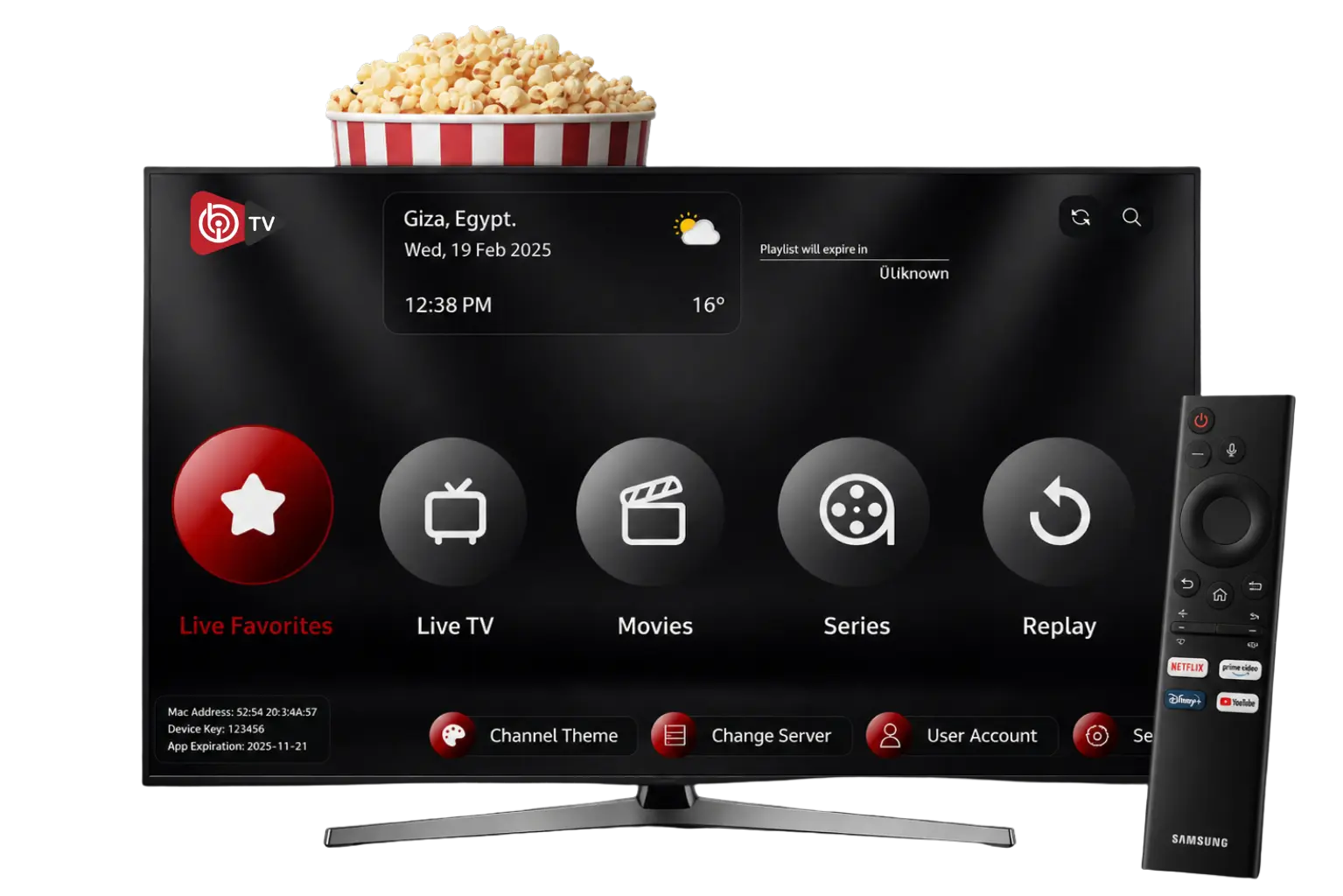
Choose the app that matches your device and follow its guide to start watching. Every guide covers installation, login and first playback.
A flexible player for Android TV, phones, tablets and other compatible devices. Login with Xtream Codes or your playlist.
View App Guide
A simple media player for compatible Smart TVs and streaming devices, with an easy-to-use channel and VOD interface.
View App Guide
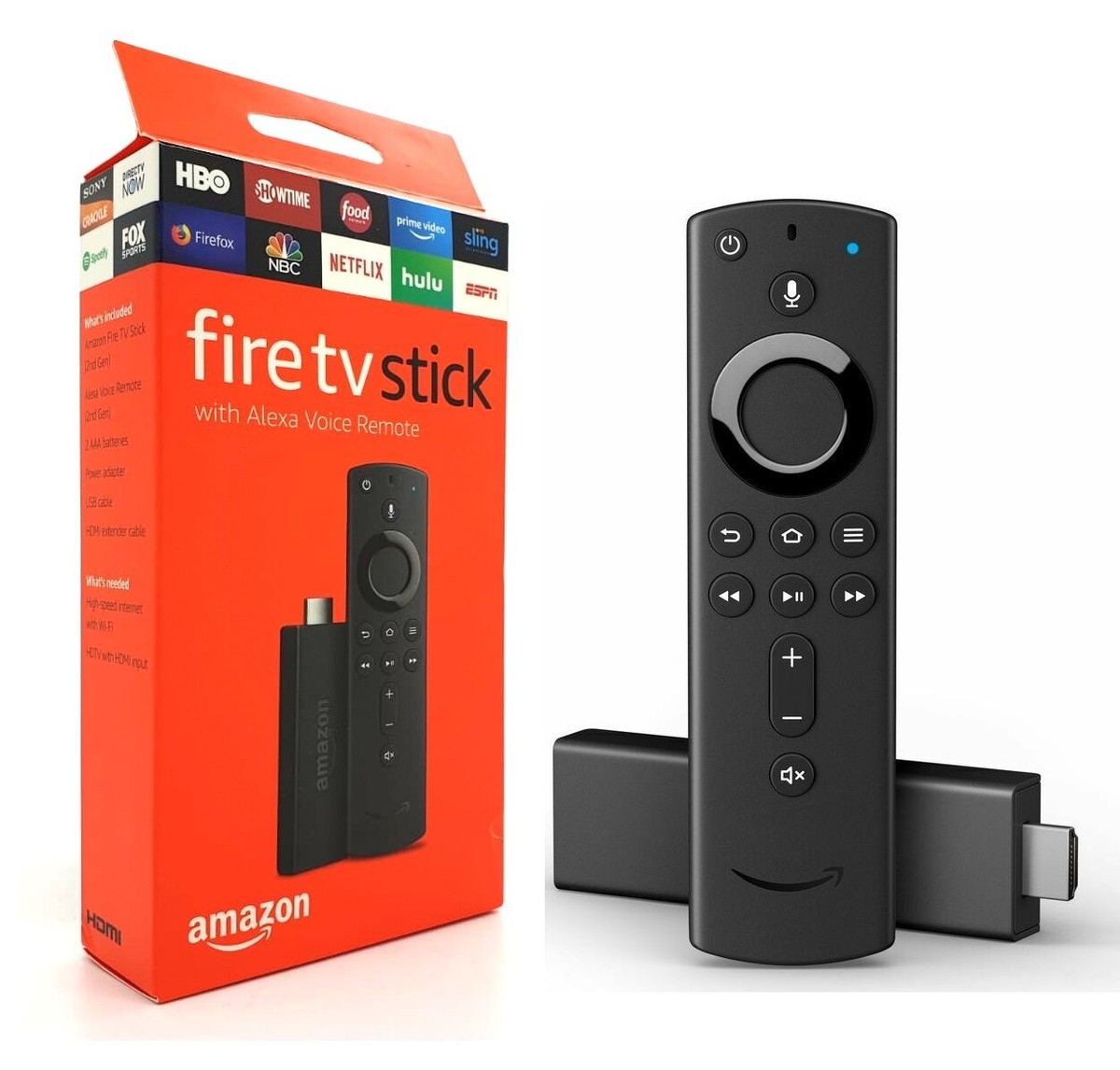
Install and access compatible streaming apps quickly on supported Fire TV devices and Android boxes.
View App GuideUSAView works across the devices you already use — from your living-room TV to your phone, tablet or computer.
Samsung, LG, Sony, Android TV and Google TV.
Fire TV Stick, Fire TV Cube and Fire OS devices.
Apple TV, iPhone, iPad and supported Mac browsers.
Android phones, tablets and Android TV boxes.
Watch through Chrome, Safari, Firefox and Edge browsers.
Compatible streaming boxes and media players.
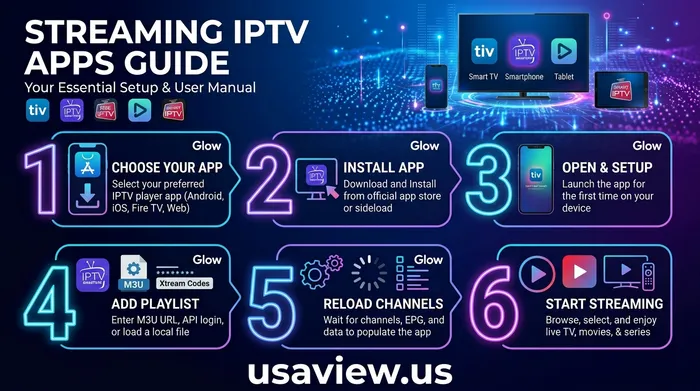
A simple process that works the same across most devices and apps.
Pick the plan that fits your viewing needs, then choose the app recommended for your device from our guides.
Install the app, then enter your USAView server URL, username and password (or load your M3U playlist).
Browse live channels, movies and series from the app menu and start streaming on your compatible device.
Common questions about IPTV, streaming apps, devices and troubleshooting.
IPTV delivers live TV channels, movies and series over your internet connection instead of traditional cable or satellite. With USAView you receive account details and login credentials that you enter into a supported streaming app.
USAView works on supported Smart TVs, Android TV and Google TV, Amazon Fire TV Stick, Apple TV, iPhones, iPads, Android phones and tablets, Windows and macOS computers.
Open the app, choose "Login with Xtream Codes" or "Load Your Own Playlist", then enter the server URL, username and password that were provided with your subscription.
A stable broadband connection is recommended. Around 25 Mbps is suggested for HD streaming and 50 Mbps or higher for 4K content. A wired connection is best for consistent playback.
Check your internet speed, restart the app and your device, update the app, and confirm your subscription is active. If the issue continues, contact our support team for help.
Yes. Plans support multiple simultaneous connections depending on the package you choose. Check the pricing section for details.
Pick a plan, follow one of our setup guides, and enjoy your entertainment on a compatible device.